Every notecomes back.
Commonplace keeps what you read and think, links it to what you already know, and brings it back before you forget.
What it does
Write a note 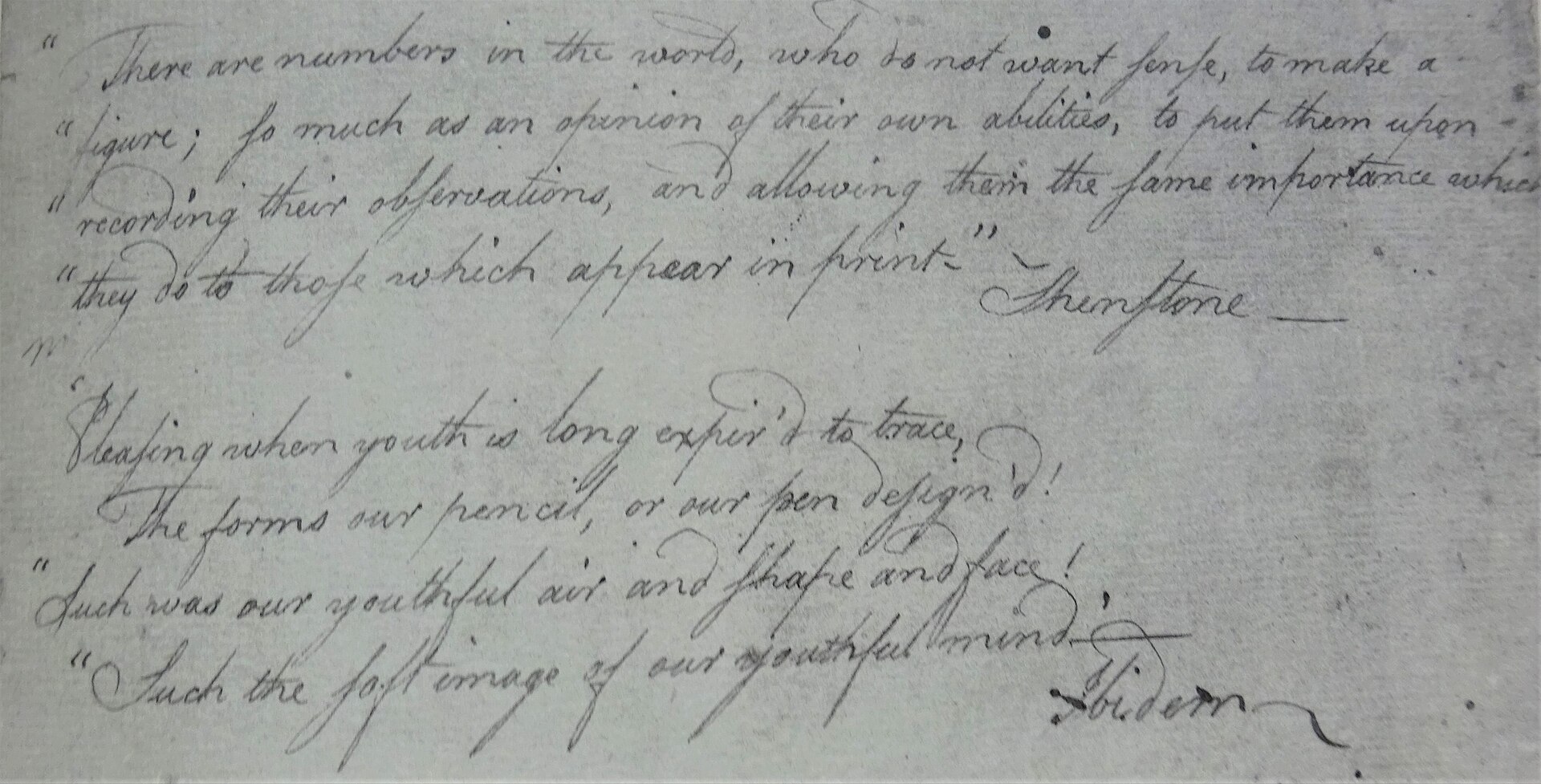 and it files itself with the notes it mentions
 . It comes back
 on a schedule shaped by how memory fades
 . Everything stays in plain files on your own disk.
Mac, Windows, Linux, iPhone and Android. Your notes are Markdown files in a folder you choose, so nothing is ever held hostage.
Download for MacFirst,
write it down.
A line is enough. Commonplace keeps the date, the words and whatever you were reading at the time.
The kitchen is cold in March. 78% hydration, a twelve-hour cold proof, and the crumb finally opened
Ask it anything you ever noted
The line above is a real search. Try , or .
- Oven temperatures, checked2 Mar · Kitchen
- Sourdough at 78% hydration14 Mar · Kitchen
- Kitchen notes1 Aug · Index
Five centuries of second brains
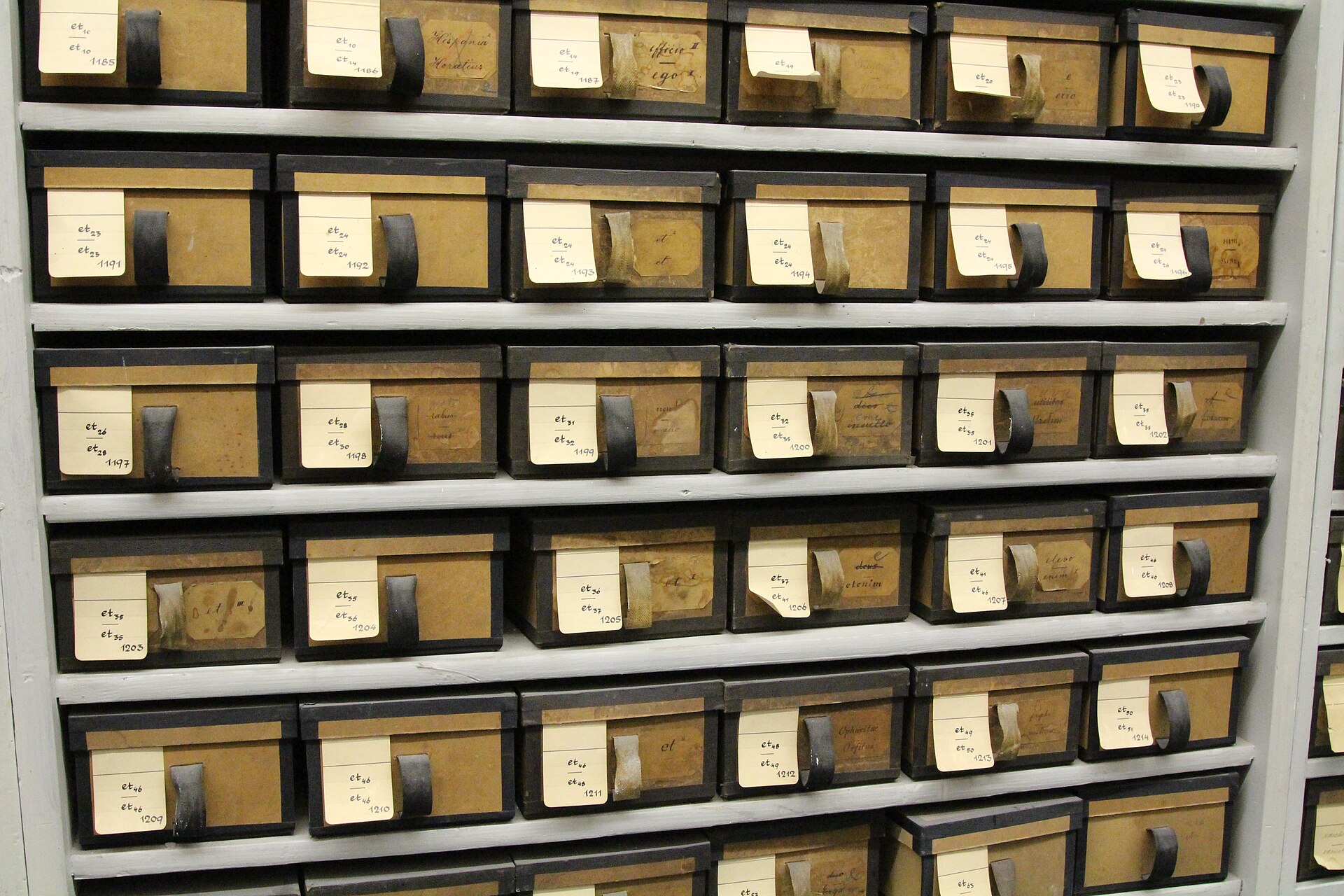
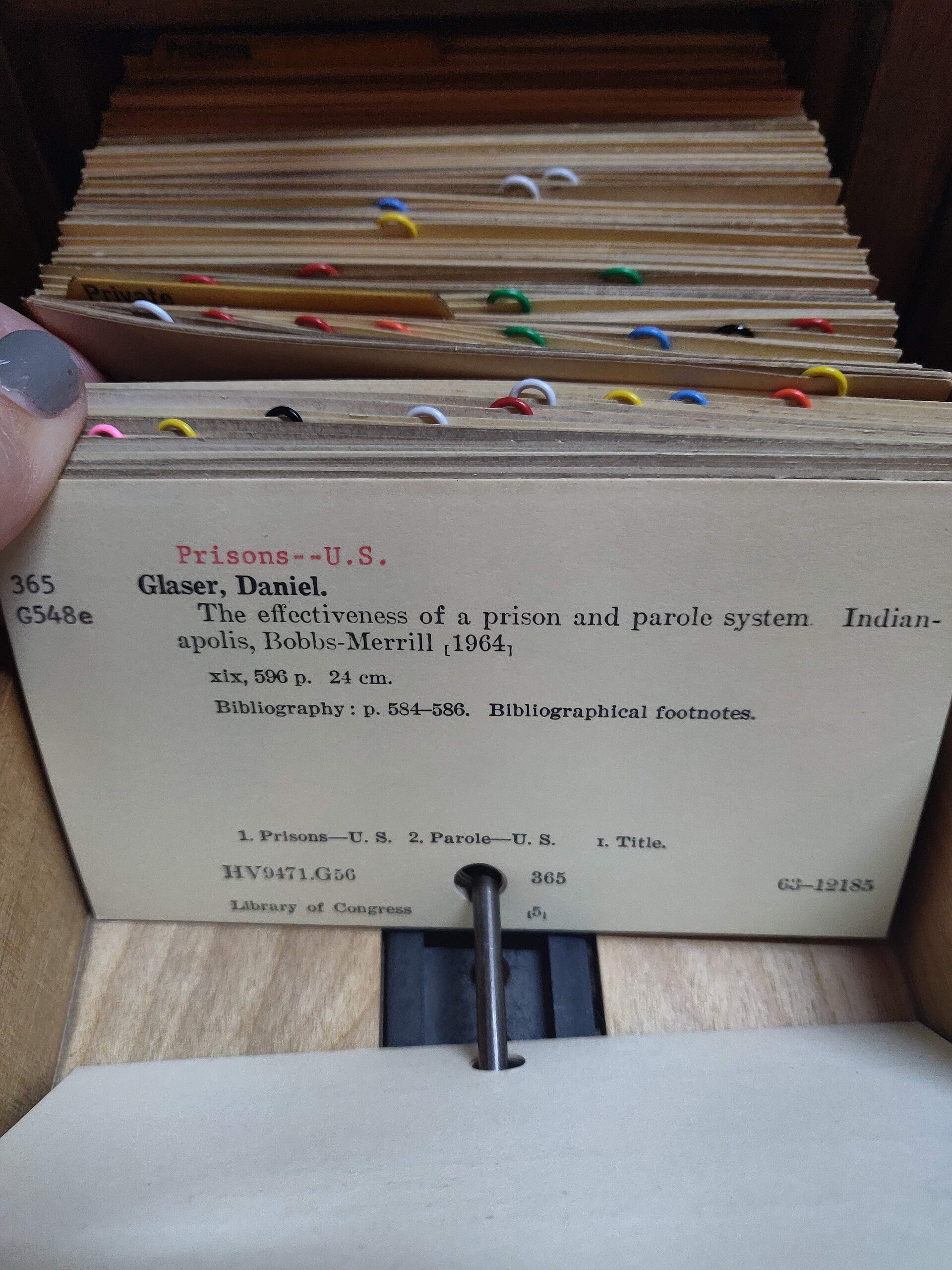
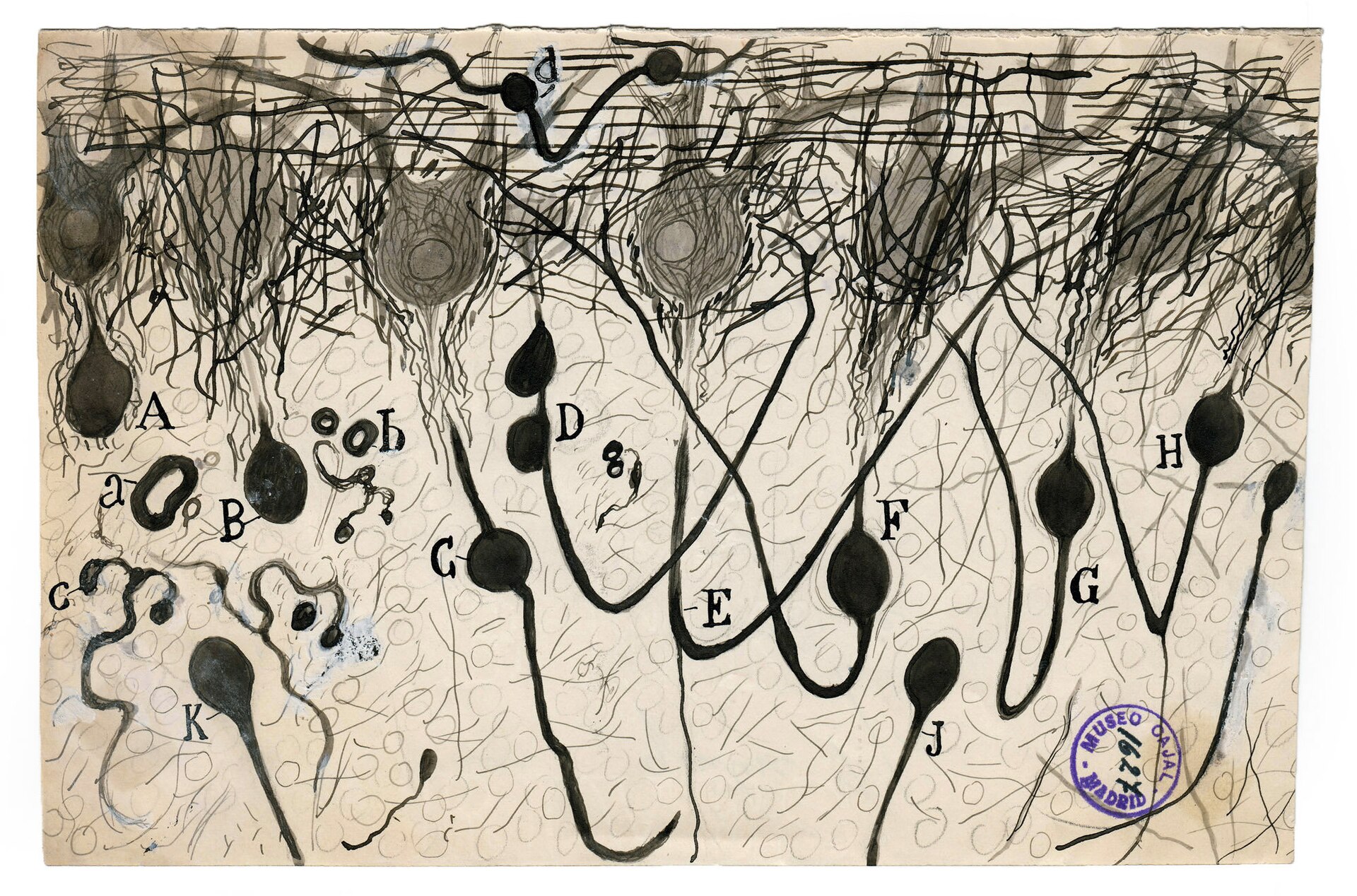
Readers have always kept a book of what they read. The commonplace book had headings and an index. Luhmann’s slip box held about 90,000 cards and, he said, answered back. Bush’s memex of 1945 was a desk that kept the trail from one thing to the next. Commonplace is that book, kept by software that never forgets to look something up.
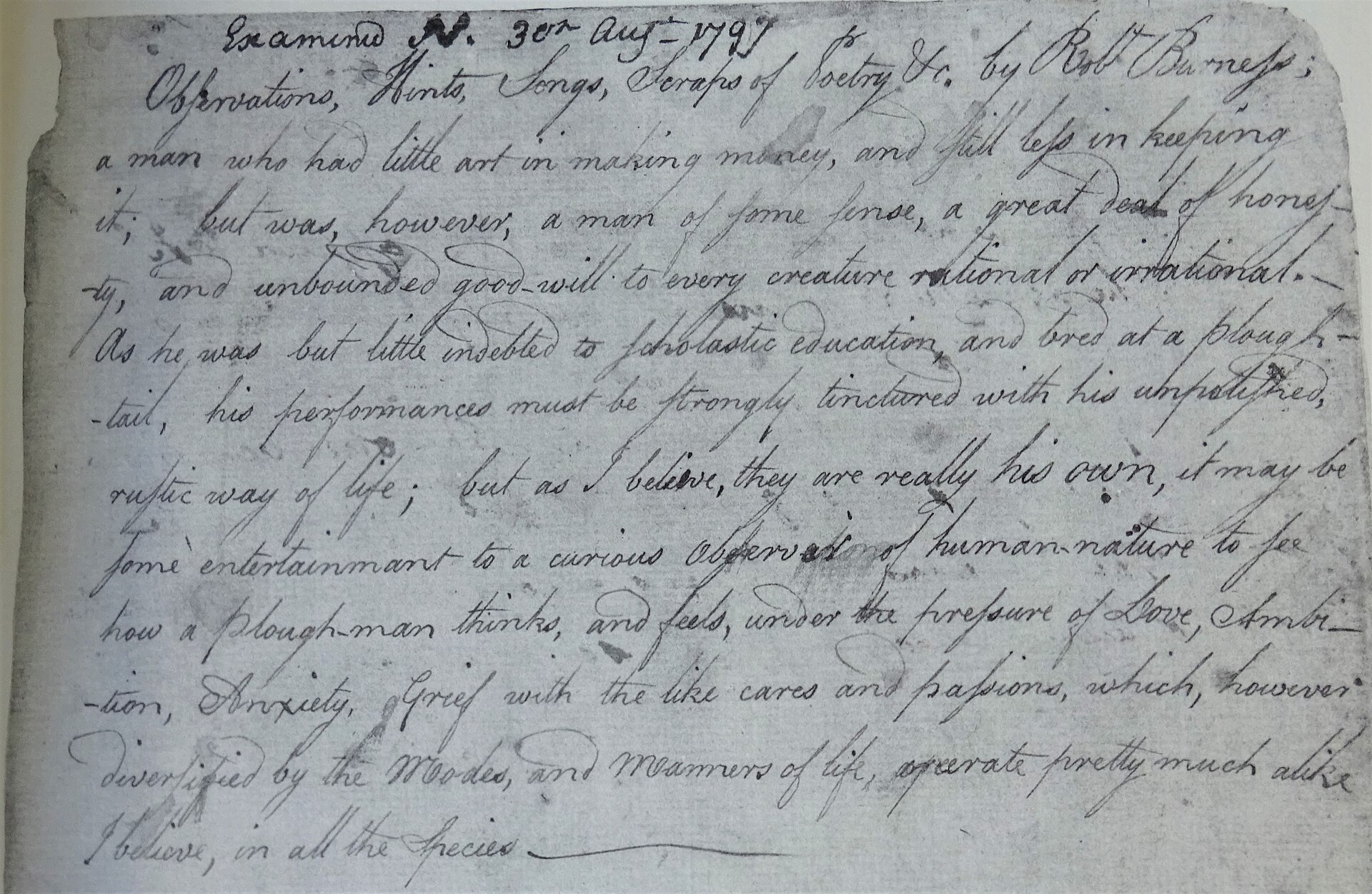
Robert Burns’s commonplace book, 1783 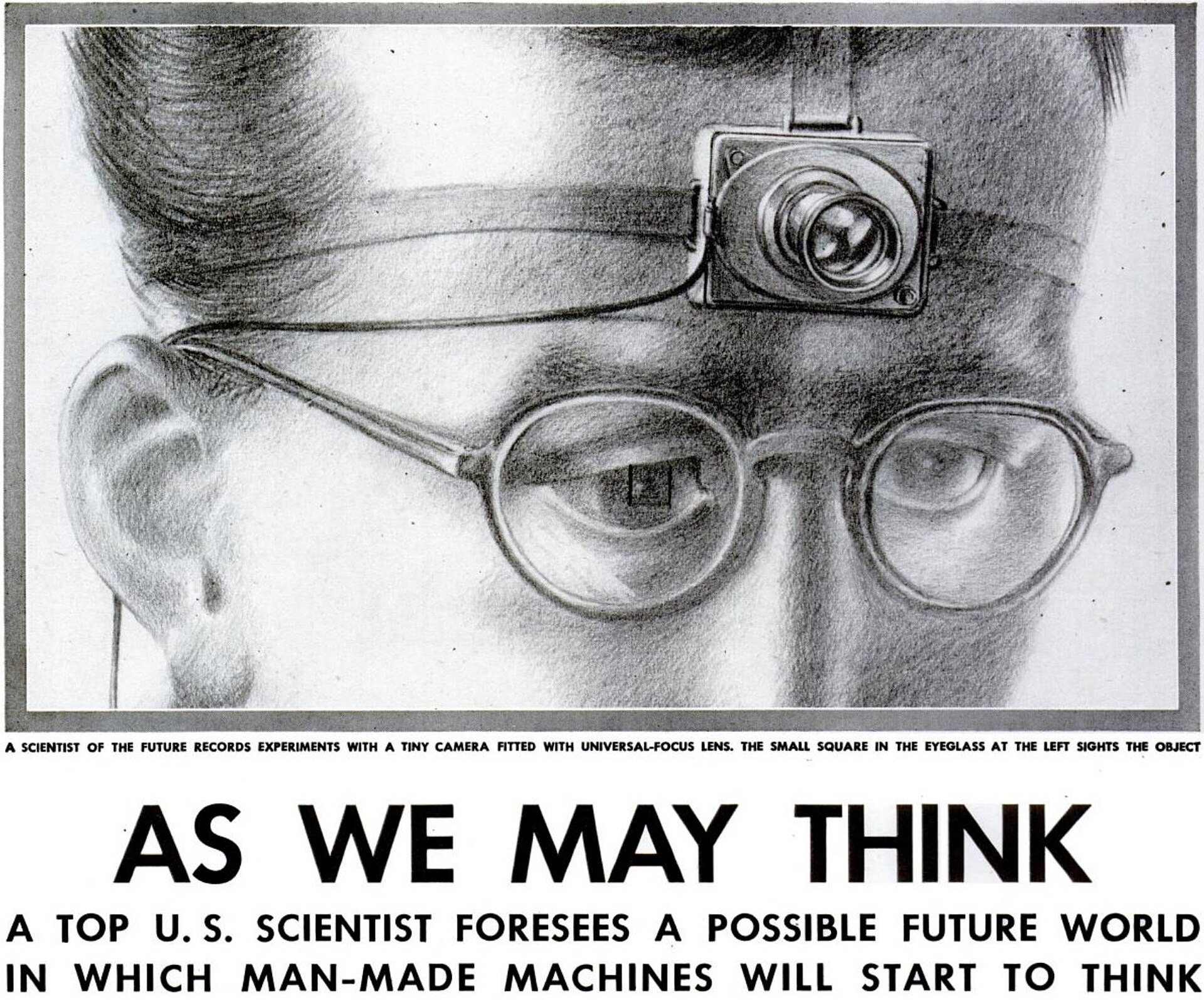
Life magazine’s drawing for Bush’s memex, 1945 Cajal’s drawing of nerve cells, about 1900 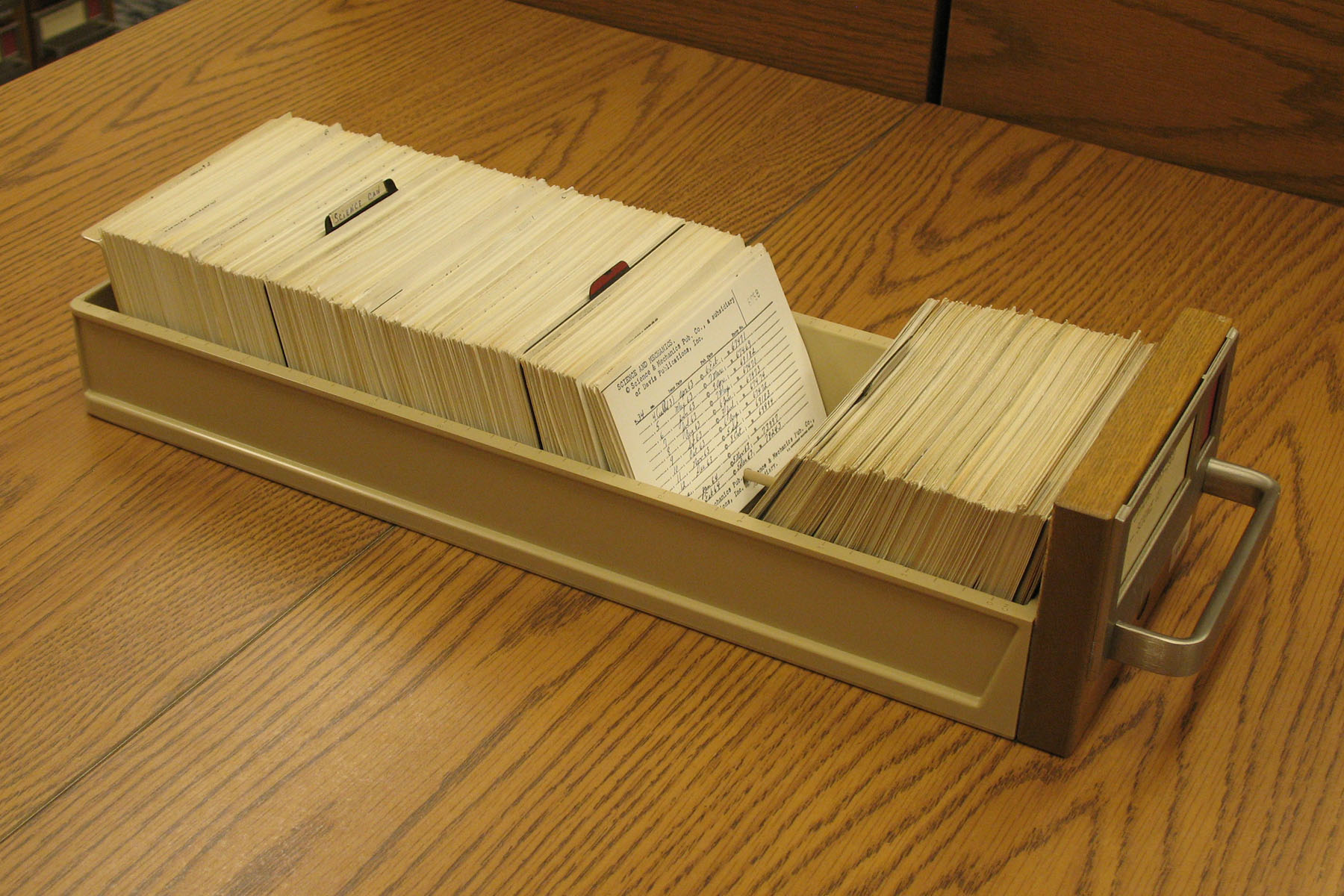
A catalogue drawer at the Library of Congress
Free for 500 notes,
then €6 a month.
One plan. Unlimited notes, sync between your devices and the return schedule. The files, the export and the first 500 notes are yours already.
Things people ask
Where are my notes stored?
In a folder you choose, as Markdown files. Commonplace reads and writes them in place, so any other app can open them, and a backup is a copy of the folder.
What does “comes back” mean?
Each note returns for a look on day 1, 3, 7, 21, 60 and 180 after you wrote it, then once a year. You mark it still true, edit it, or let it go. Nothing is ever shown twice in one day.
Does it need an account?
Not on one device. Sync between devices uses your own iCloud, Dropbox or any folder-syncing service. There is no Commonplace cloud and no password to lose.
Can I bring notes from another app?
Markdown and plain-text folders are read as they are. Exports from other apps are converted on import, with their links kept wherever a target can be found.
What happens after 500 notes?
Reading, searching and the return schedule keep working. Writing the 501st note asks you to subscribe, and the files stay yours either way.
Is there a team version?
No. Commonplace is one person’s notebook. You can share any note as a plain file, and that is the whole collaboration feature.