12345
How it worksInside the appQuestions

Lattice

Start a vault

Notes that
link both ways

Lattice, a note-taking app in plain text

Open the project and see the meeting. Open the meeting and see the project. Nobody filed anything twice.
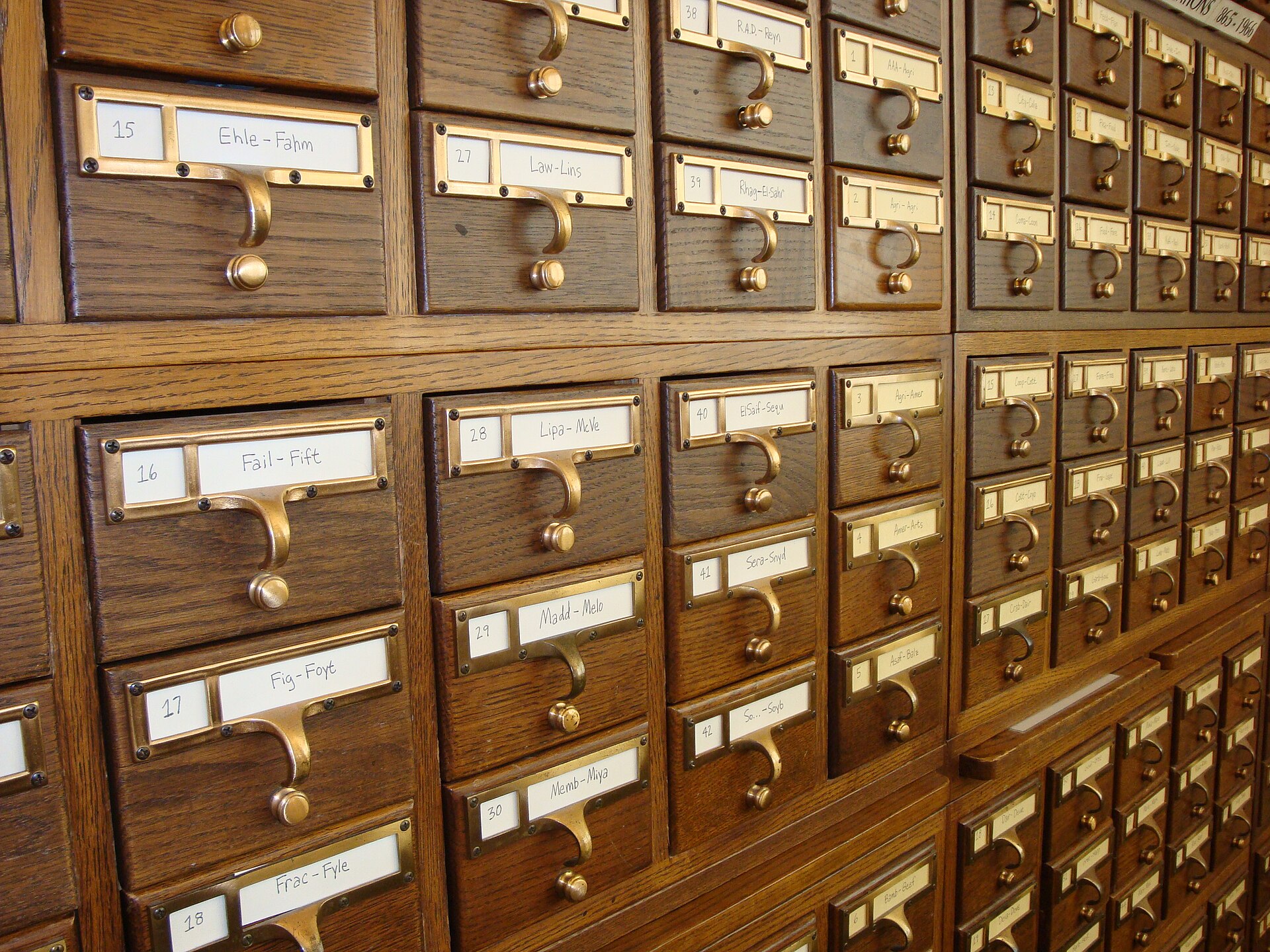
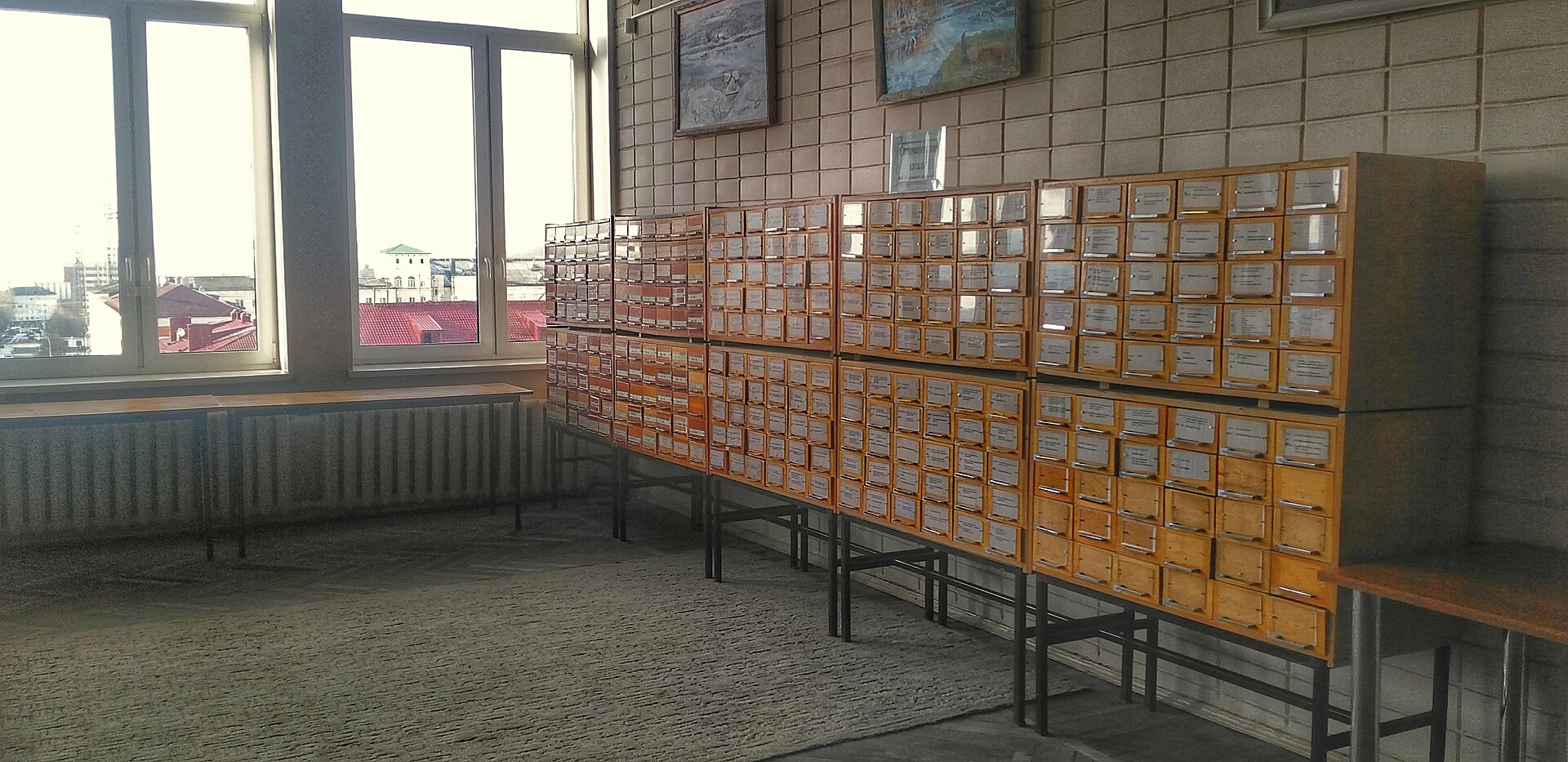
A wooden card catalogue, each drawer labelled with a range of names.
Drawers labelled A–Z. Four hundred years of filing.

No account needed to open a folder.

Start a vault
Files
Markdown, one per note
Platforms
macOS, Windows, iOS, Android
Offline
Everything but sync
Export
The folder you already have
The typewriter wrote; the drawer remembered.

Close up on the parts

Four pieces of the interface, at the size you will meet them.

Link to a note

rea

  • Reading as a conversationReading
  • How I readReading

Type two brackets. The picker reads your vault as you type and ranks by what you opened last.

Linked from

  • Zettelkasten, without the mystique
  • Reading as a conversation
  • The weekly review

The other half of the link. Every note lists what points at it, without anyone maintaining a list.

Search the vault

herons

The reservoir at seven

matched in the body, 4 words from “herons”

Search reads the files. No index to rebuild, no server to ask, results in under 40ms at forty thousand notes.

The graph is drawn, not stored. It is a reading of the links in your files, so it can never disagree with them.
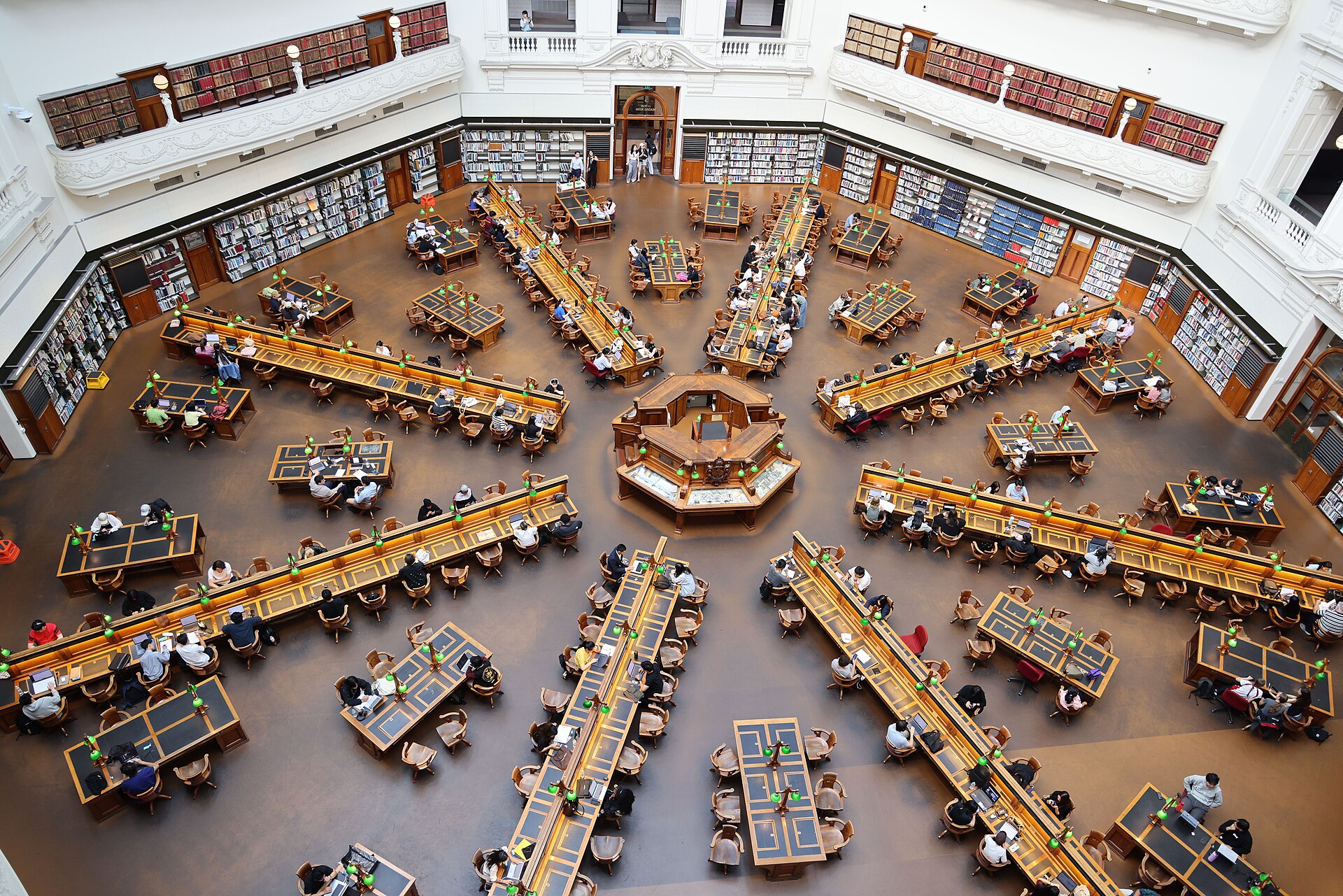
The octagonal reading room of the State Library of Victoria, seen from above.
The La Trobe Reading Room, Melbourne. Eight walls, one catalogue in the middle.

One note, kept for a year

The whole method is three moves, and you already know two of them.
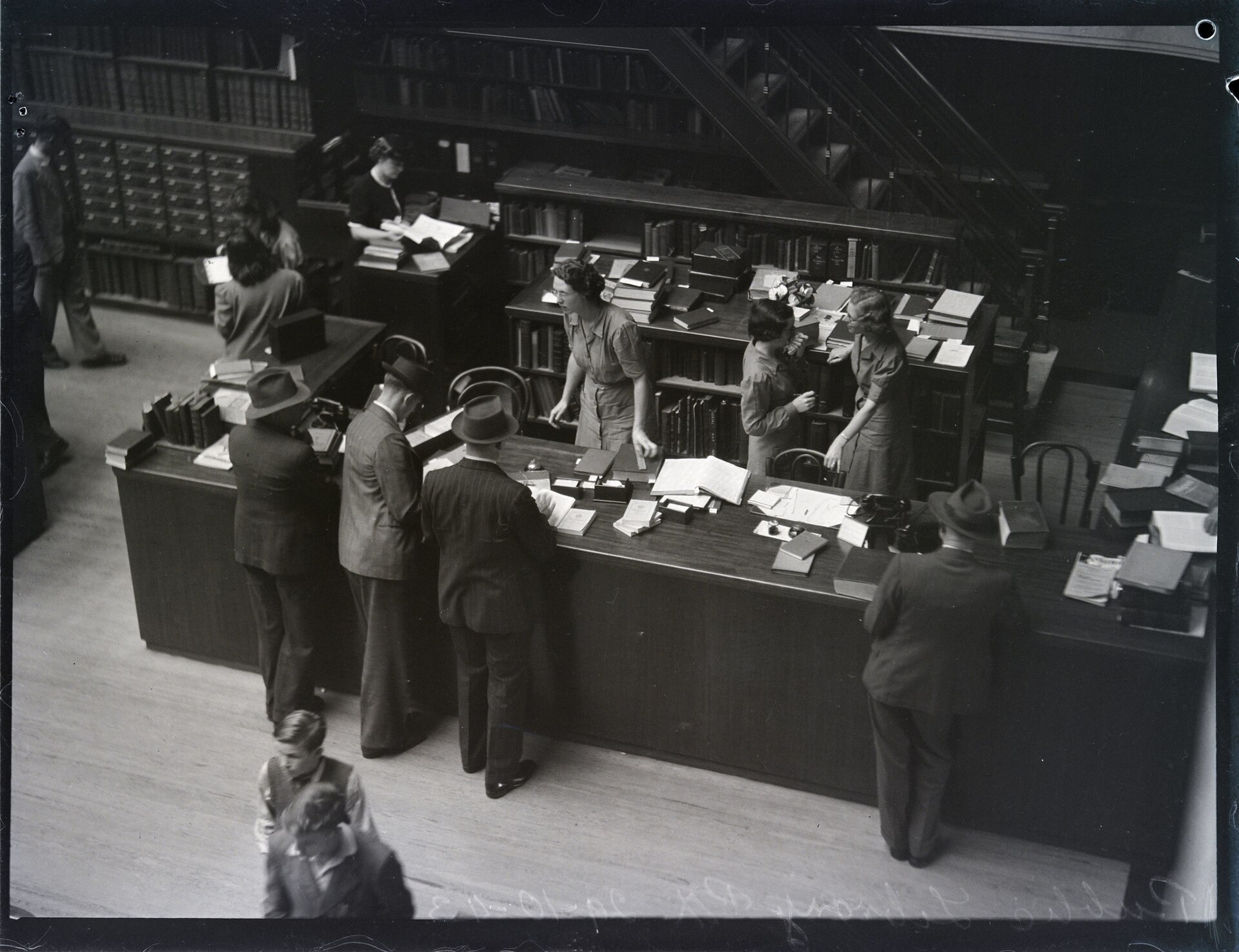
  1. A reader's desk in the reading room of the Mitchell Building, Sydney, 1943.

    Write

    One sentence in the folder. A keystroke later it is a file with a date.

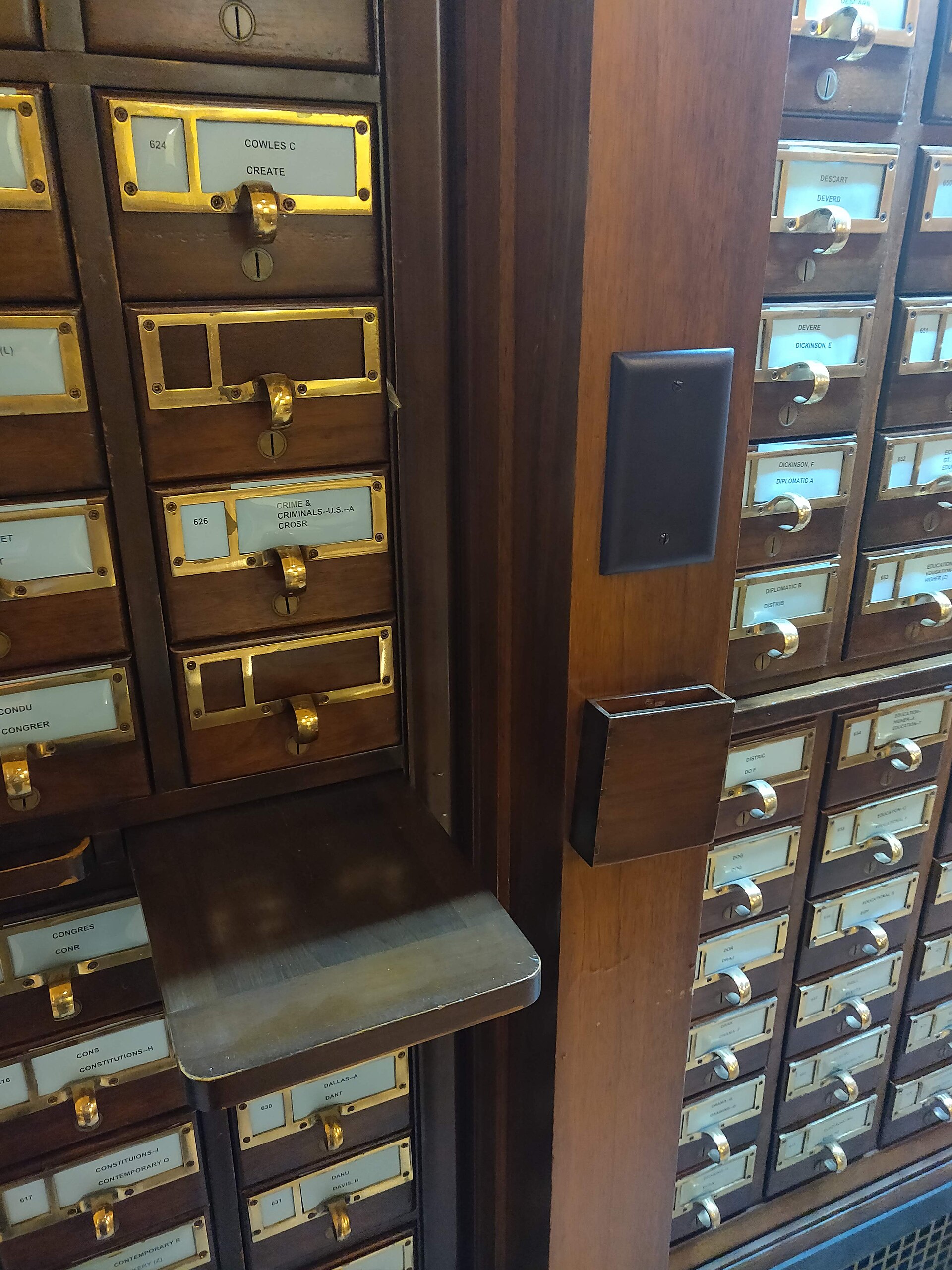
  2. A wooden card catalogue whose drawers are labelled with ranges of names.

    Link

    The picker finds the project, and the project now points back at the sentence.

  3. The octagonal reading room of the State Library of Victoria, seen from above.

    Find

    A year on, the project page lists the note, its owner and the thing left open.

The board, filtered

This is the note list with four of its controls working. Change the folder, hide the link counts, or set how many notes you want in front of you.

How I read

Two passes: one for the shape of the argument, one for the sentences worth keeping.

2 out · 4 in

A note is a promise

A note that repeats the page is a photocopy. A good note says what you will do with it.

2 out · 4 in

Card catalogue drawers

A library's catalogue was a second brain with brass handles.

3 out · 3 in

The weekly review

Forty minutes on Friday: what moved, what stalled, what to drop.

3 out · 3 in

Projects I keep moving

Four at a time. A fifth means one of the four is already dead.

3 out · 3 in

Folder
Show link counts

5 notes in view · 17 links pointing at them

Questions

Short answers, because the product is small.

Do I have to type brackets?
No. Two brackets open the picker, and selecting words turns them into a link in one keystroke.
Is there a database?
No. One Markdown file per note in a folder you choose, and the links are written into the files.
What if I rename a note?
Lattice rewrites every link that pointed at it, in the same pass. Nothing breaks.
Can two people share a vault?
Yes, through the folder: a shared drive, a git repository, or a sync service you already pay for.
How big can it get?
Tested at 40,000 notes on a laptop from 2019. Search stays under 40ms; the graph is the first thing to slow down.
What do I get for the money?
Sync, the graph, and the mobile apps. The desktop app and your files are free, forever, without an account.

Point it at a folder

Name the vault, and the folder becomes a second brain you can open in any text editor. Nothing is uploaded.

Get the app
Lattice

A note-taking app for people who intend to read their notes again. Files you own, links kept both ways, and no server in the middle.

Pictures: Card Catalog 2 by mamsy (CC BY 2.0); Library desk, Reading Room, Mitchell Building, Pix Magazine (public domain); Card catalog at the Indiana State Library by TBurmeister (CC BY-SA 4.0); Trobe Reading Room by Bhullargraphic (CC BY-SA 4.0), all via Wikimedia Commons.

Picture credits, added by the gallery (via Wikimedia Commons): "Card Catalog 2" by mamsy (flickr.com/photos/mamsy), CC BY 2.0; "Card catalog at the Indiana State Library - cabinet exterior" by TBurmeister (WMF), CC BY-SA 4.0; "Card catalogs in Murmansk Regional Scientific Library, 2018" by FingerWiki, CC BY-SA 4.0; "Olivetti Dora portable typewriter" by Erik Pålsson, CC BY 3.0; "Trobe Reading Room State Library of Victoria interior" by Bhullargraphic, CC BY-SA 4.0.