Lattice
Open the appLattice
A note-taking app in plain text, where every note can link to any other.
What it does for you
Every note can point at any other note.
8 links in the sample note, written as plain Markdown.
The pointing is kept from both ends.
3 backlinks on the note you opened, none typed by hand.
Your vault is a folder you can open anywhere.
16 files, 16 folders, one Finder window.
Search reads the files while you type.
under 40ms at forty thousand notes, offline.
Renaming a note rewrites every link to it.
one pass, no dangling links, no warnings.
Search the vault
Type a word and read what comes back. It matches titles, folders and bodies.
Marginalia
Writing in the margin is a conversation with the author, held a week late.
Reading as a conversation
The book is a slow interlocutor; the notes keep it talking after I close it.
How I read
Two passes: one for the shape of the argument, one for the sentences worth keeping.
Inbox zero is a chore
Triage once, then let the inbox fill. The work is the writing, not the emptying.
Then you link it to a project.
Two brackets, a picker, and the note has a place to be found from.
Link to a note
proj
- Projects I keep moving
- The weekly review
One drawer, one thought
A card catalogue worked because the drawer was small enough to hold a single thought and the label told you where it lived. Lattice keeps the drawer and drops the address.
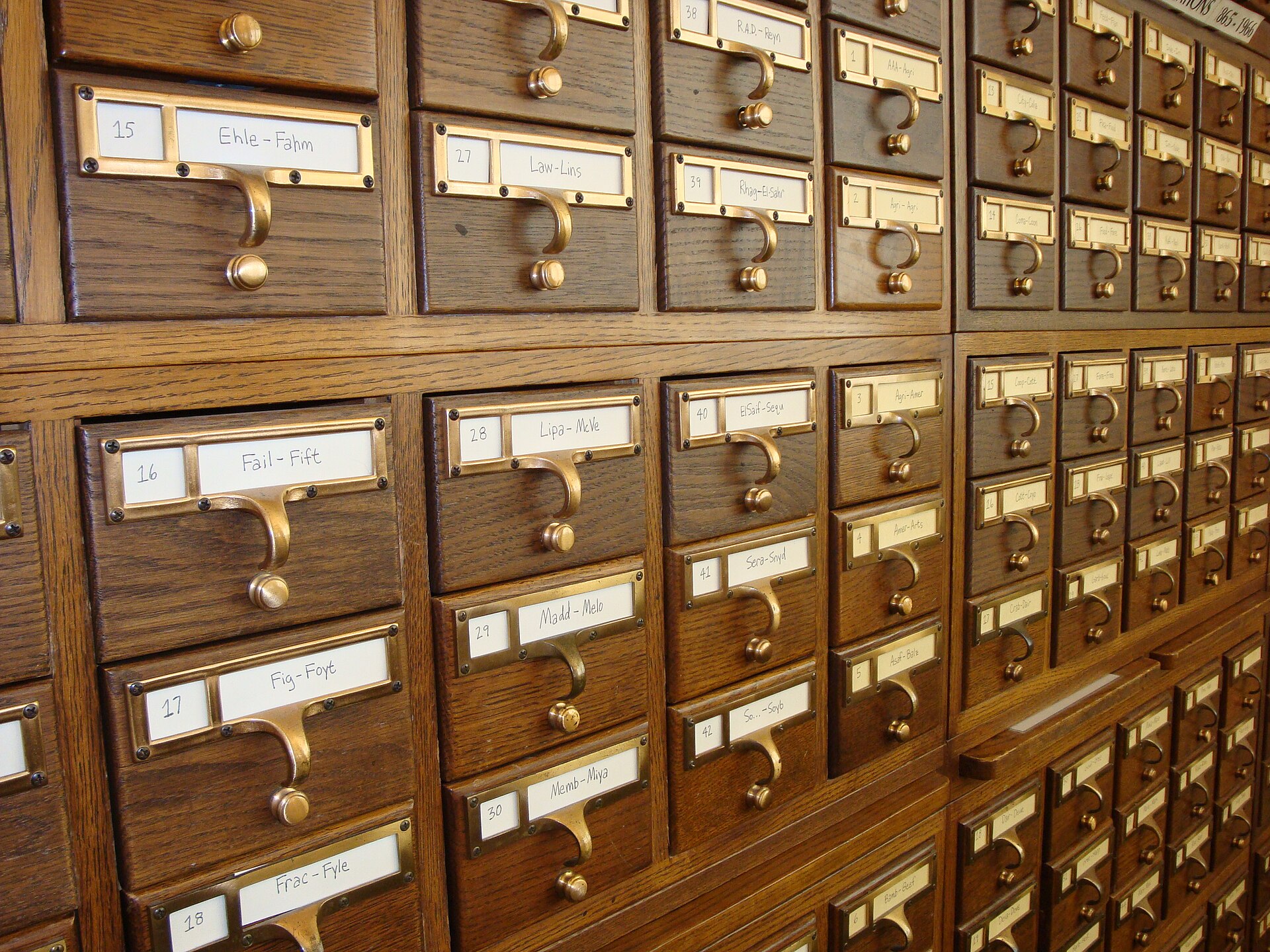
Where the metaphor comes from

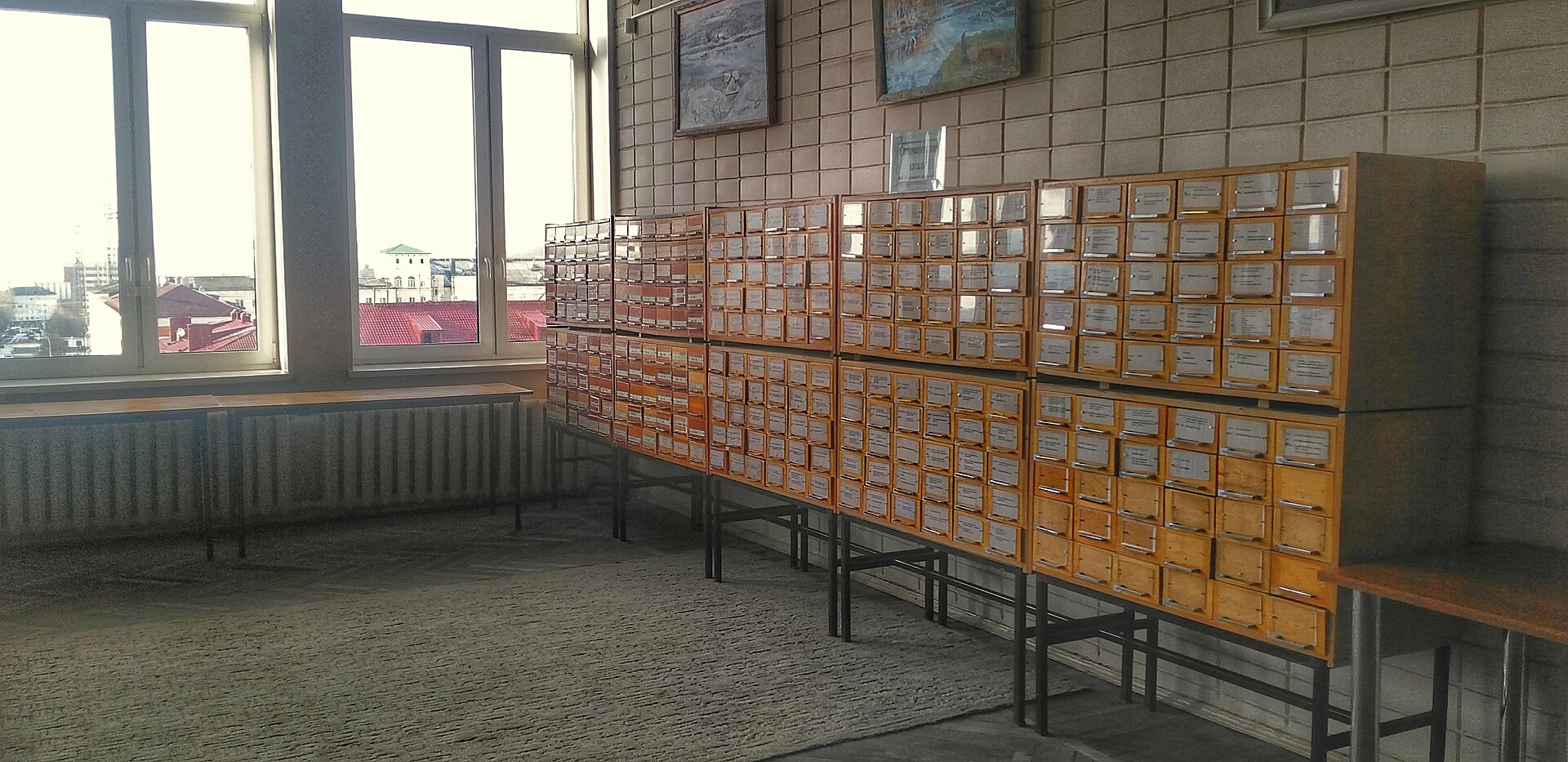
Lattice keeps the drawer and drops the address. A note can sit in as many places as links reach it.
Questions
Do I have to type brackets?
No. Two brackets open the picker; selecting words turns them into a link in one keystroke.
Where do the notes live?
In a folder you choose, one Markdown file per note, pictures beside them, nothing in a database.
What if I rename a note?
Lattice rewrites every link that pointed at it, in the same pass.
Can two people share a vault?
Through the folder: a shared drive, a git repository, or a sync service you already pay for.
How large does it get?
Tested at forty thousand notes on a laptop from 2019. Search stays under forty milliseconds.
What am I paying for?
Sync, the graph and the phone apps. The desktop app and your files are free without an account.
Start a vault
Name it, choose a folder, and the next note you write is the first file. Nothing is uploaded, and nothing is charged for the desktop app.
Name your vault
Create the vault