12345
EngramDownload Engram
File a cardWhat it doesHow it worksPricingQuestions

153.12E57

A notebook thatremembers for you

Engram is a note-taking app that works as a second brain. Link notes with [[brackets]], and old ones come back beside whatever you’re writing.

For macOS, Windows, Linux, iPhone and Android.Free on one devicePlain Markdown files on your own disk

Filed under memory, note-taking and commonplace books.

Every card finds
its neighbours

Write a thought and file it. Engram puts it behind the cards it’s about, the way Niklas Luhmann filed his slip box, and brings those cards back the next time you write about the same thing.

New cardDrawer: Everything
Bring it back

Type [[ in the card to link it to one already in the drawer, then file it.

  1. Memory
  2. Ebbinghaus: the forgetting curve3 Feb
  3. Spaced repetition, in practice9 Feb
  4. Sleep and memory21 Feb
  5. Walk before writing2 Mar
  6. Why I keep a commonplace book8 Mar
  7. Home
  8. Kitchen: three quotes compared11 Mar
  9. Sourdough starter log16 Mar
  10. Work
  11. Q3 planning: what slipped24 Mar
  12. Meeting with Daniel, 14 March14 Mar
Everything, filed by thought
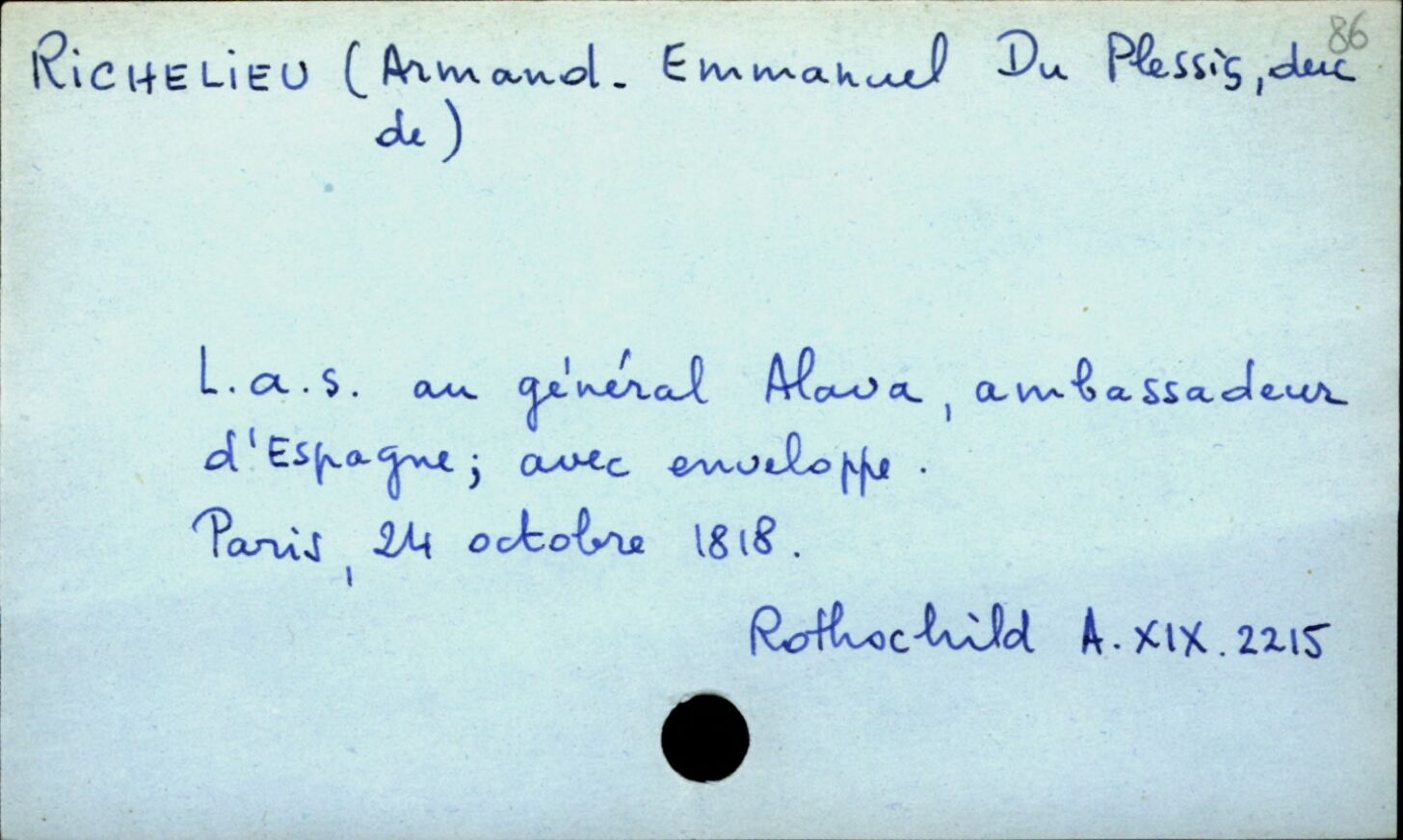
A handwritten catalogue card in blue ink with a round punched hole near its foot, from the Bibliothèque nationale de France
A card from the Rothschild autograph file, Bibliothèque nationale de France.

What it does

Capture

  • A card over anything⌥ SpaceA blank card opens over whatever you’re doing. Ctrl Space on Windows and Linux.
  • Web clipperChrome, Firefox, SafariKeeps the page’s text, its address and the line you highlighted.
  • Email inyour own addressForward anything to you@in.engram.app and it arrives as a card.
  • Voice noteson deviceTalk on the walk home, read it as text when you sit down.
  • Photos and PDFssearchableText in scans, receipts and slides is recognised and indexed.

Link

  • Double bracketstype [[Pick a card as you type and the two are linked both ways.
  • Backlinkson every cardEvery card that points here, and the ones that mention it without a link.

Resurface

  • Recall in the marginup to fiveOlder cards about the same thing appear beside what you’re writing, matched by meaning.
  • From your past7:00 dailyA card from a week, a month and a year ago, each morning at the hour you choose.
  • Searchon deviceEvery word of every card, found without anything leaving your computer.

Keep

  • Plain Markdown~/EngramYour cards are text files in a folder that any editor can open.
  • OfflinealwaysEverything works on a plane. Only sync needs a connection.
  • Importfive sourcesApple Notes, Evernote, Notion, Obsidian and any folder of Markdown.

Everything on this card is in the free app. Sync is the only thing we charge for.

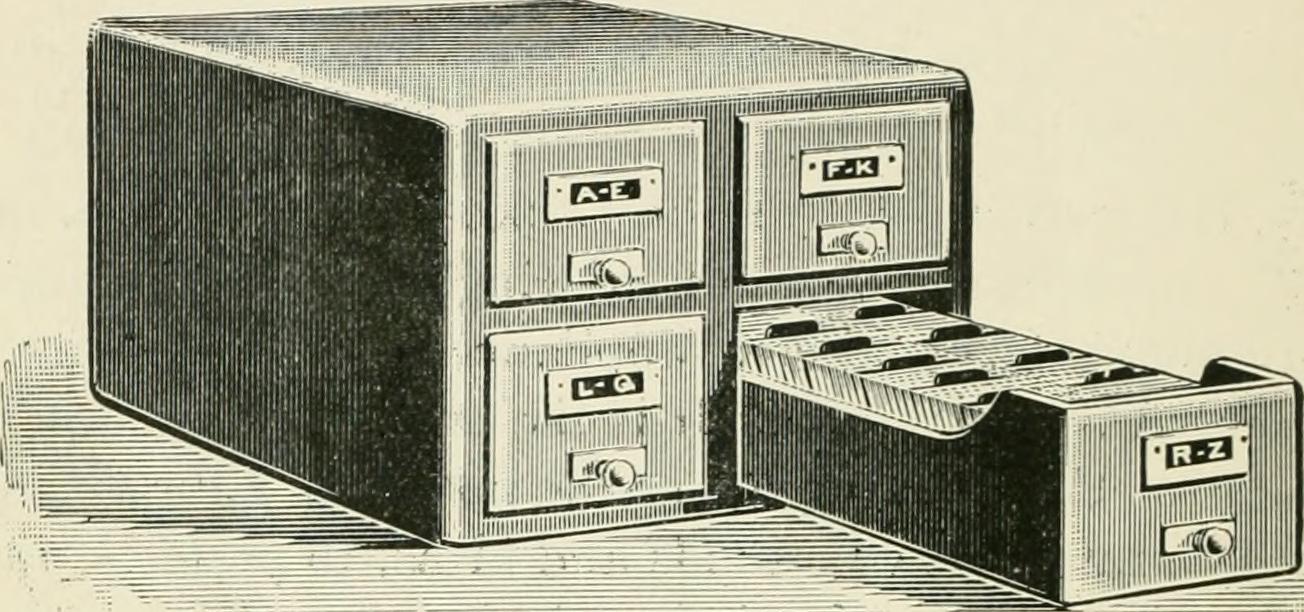
Engraving of a two-drawer card catalogue cabinet with one drawer pulled out, labels A–E, F–K, L–Q and R–Z
A card catalogue, from a manual of library classification, 1898.
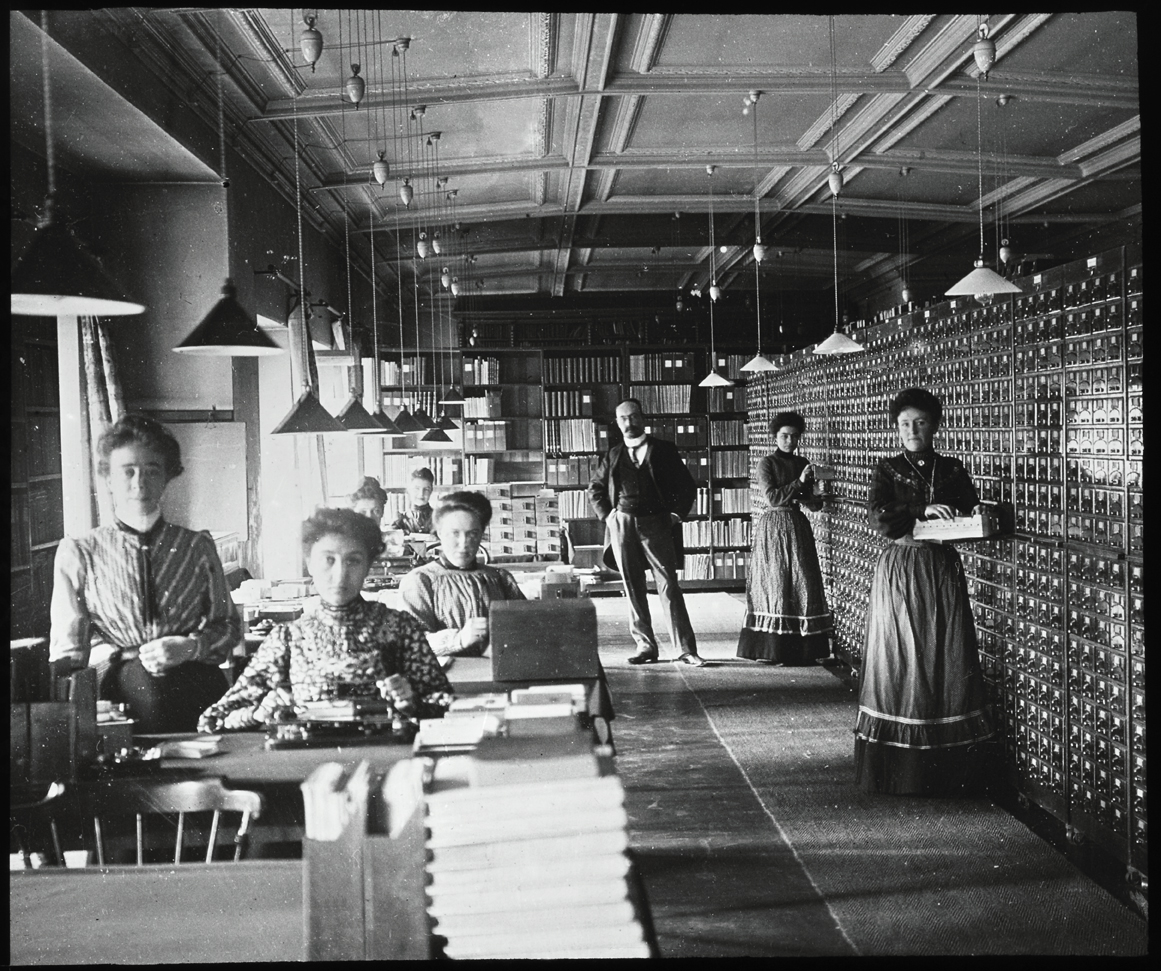
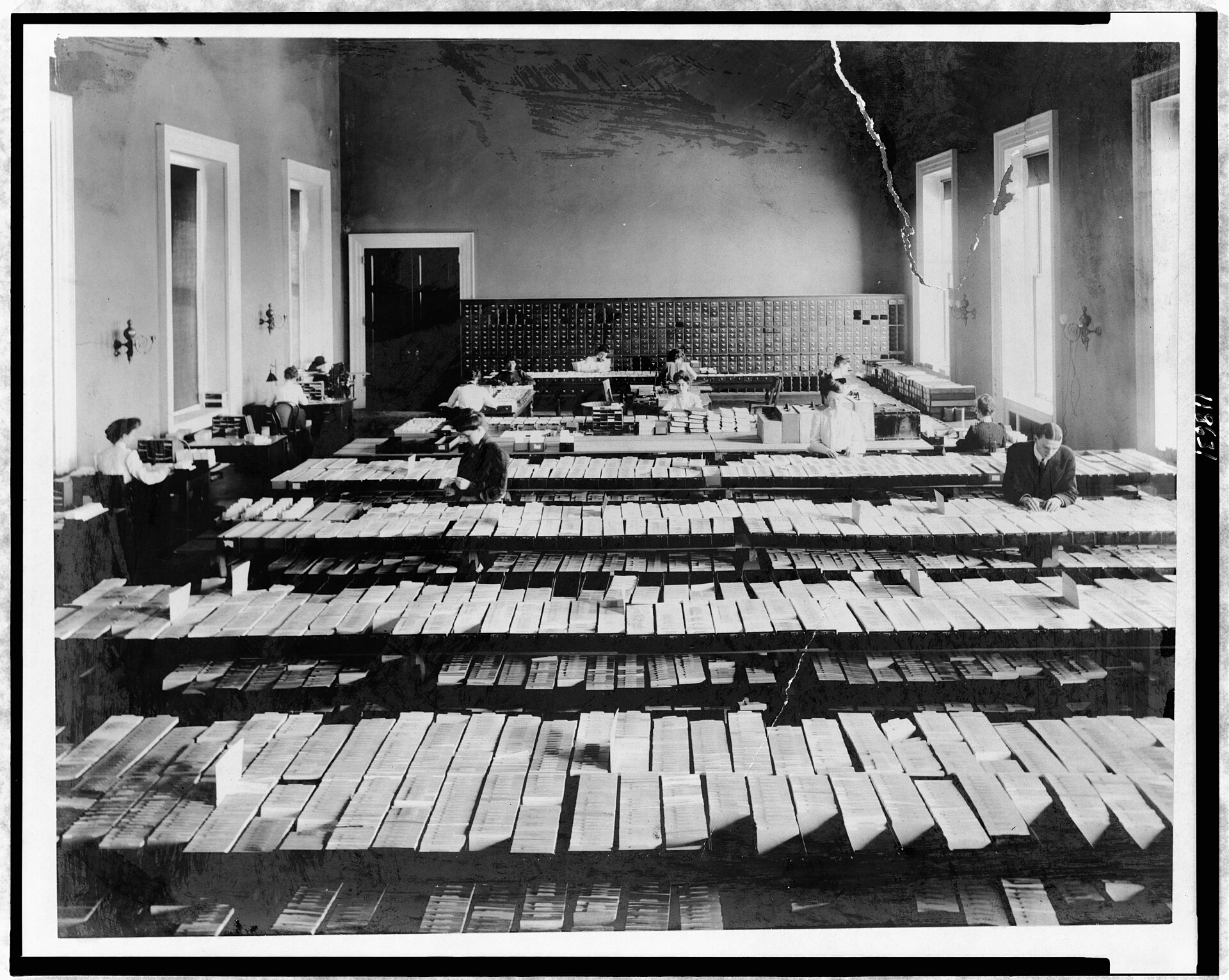
Black-and-white photograph of a long room lined with card cabinets, women at desks writing and sorting index cards
The staff of the Répertoire Bibliographique Universel at work, Brussels, about 1900.

Second brains,
made of cards

In 1895 Paul Otlet and Henri La Fontaine began a card index of everything ever published. Their Répertoire grew to about twelve million cards, and anyone could send it a question by post.

Engram keeps the habit and drops the walking. You write the card; the drawer brings the right ones back to you.

Download EngramHow it works
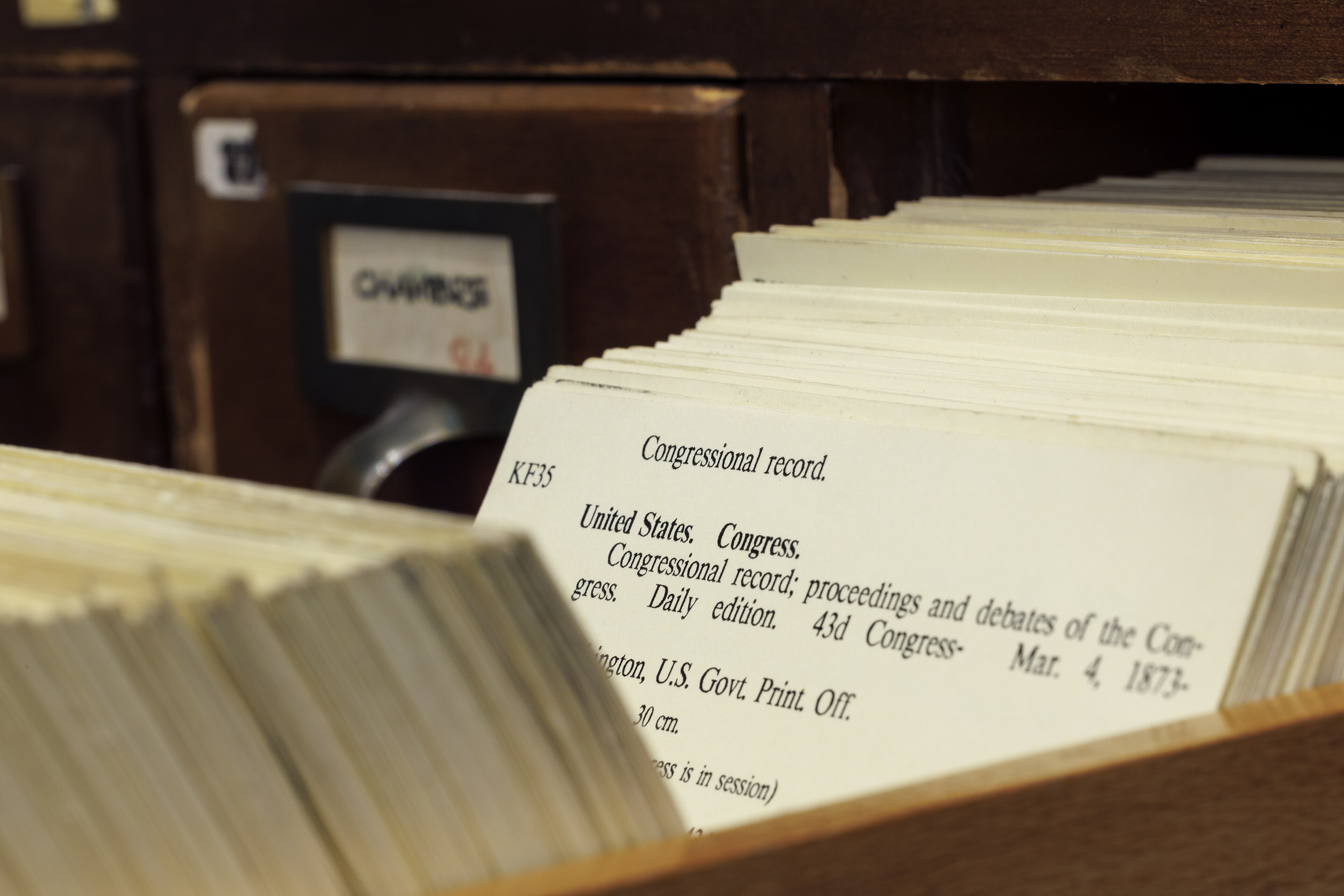
An open wooden catalogue drawer, packed with cream cards; the front card is a printed entry for the Congressional Record
Serials card catalogue, Library of Congress, January 2025.

A week with
Engram

Nothing to set up and no method to learn first. This is a first week, day by day, and what you hold at the end of it.

The old way: walking a drawer by hand, from the film Library Organization, 1951.

Engram, first week

Monday

  • Install, import Apple Notes4 min
  • First card with ⌥ Space2 sec
  • Link it to two older notesas you type

Tuesday

  • Clip an article from Safari1 click
  • Voice note on the walk home40 sec

Thursday

  • A March note comes backunasked
  • “Boiler” finds a receipton device

Sunday

  • Last Monday’s card returns7:00
  • Nothing filed by hand0 min

A drawer that answers back7 days

Why we built it

IV

From Ines Vandaele, who started Engram

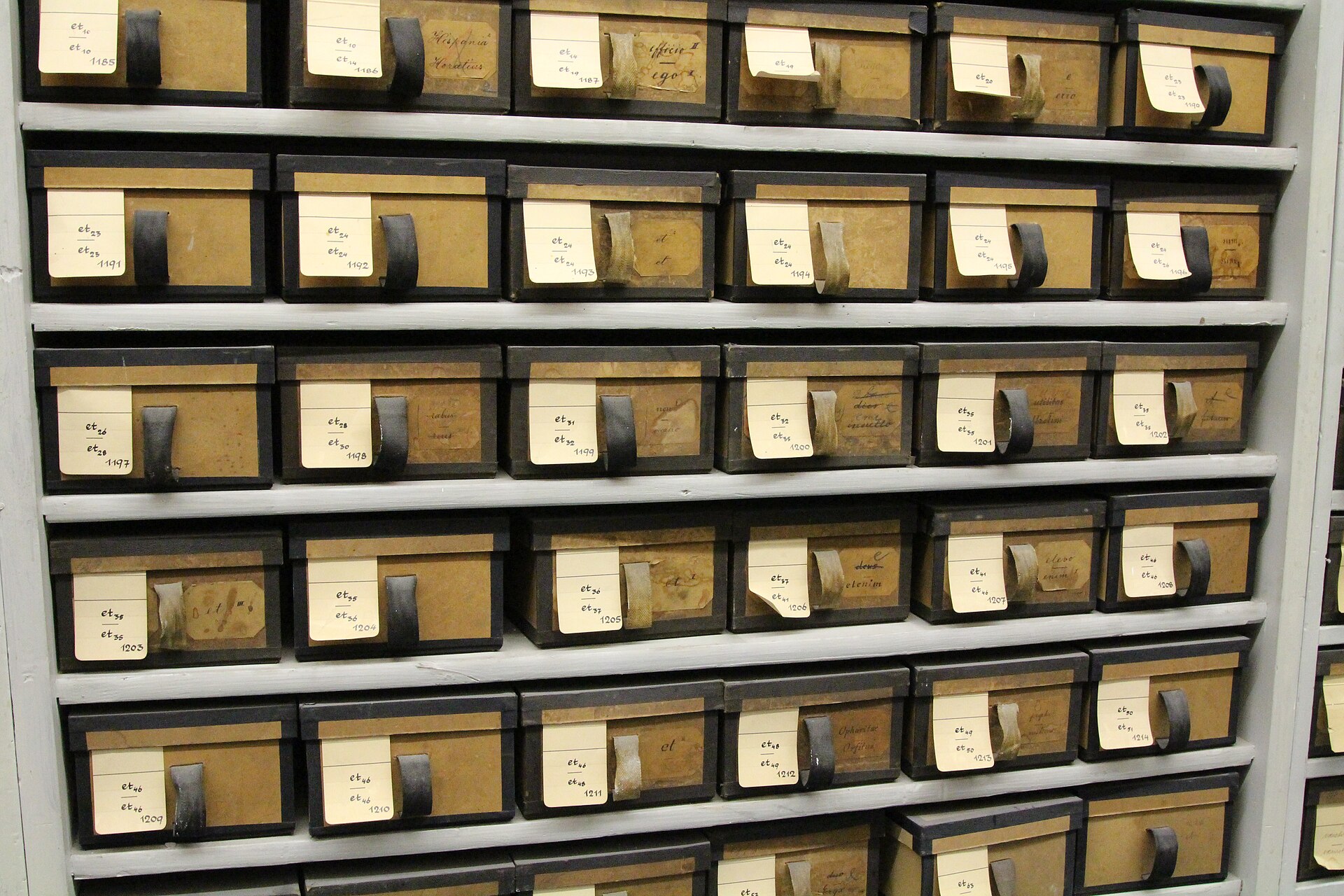
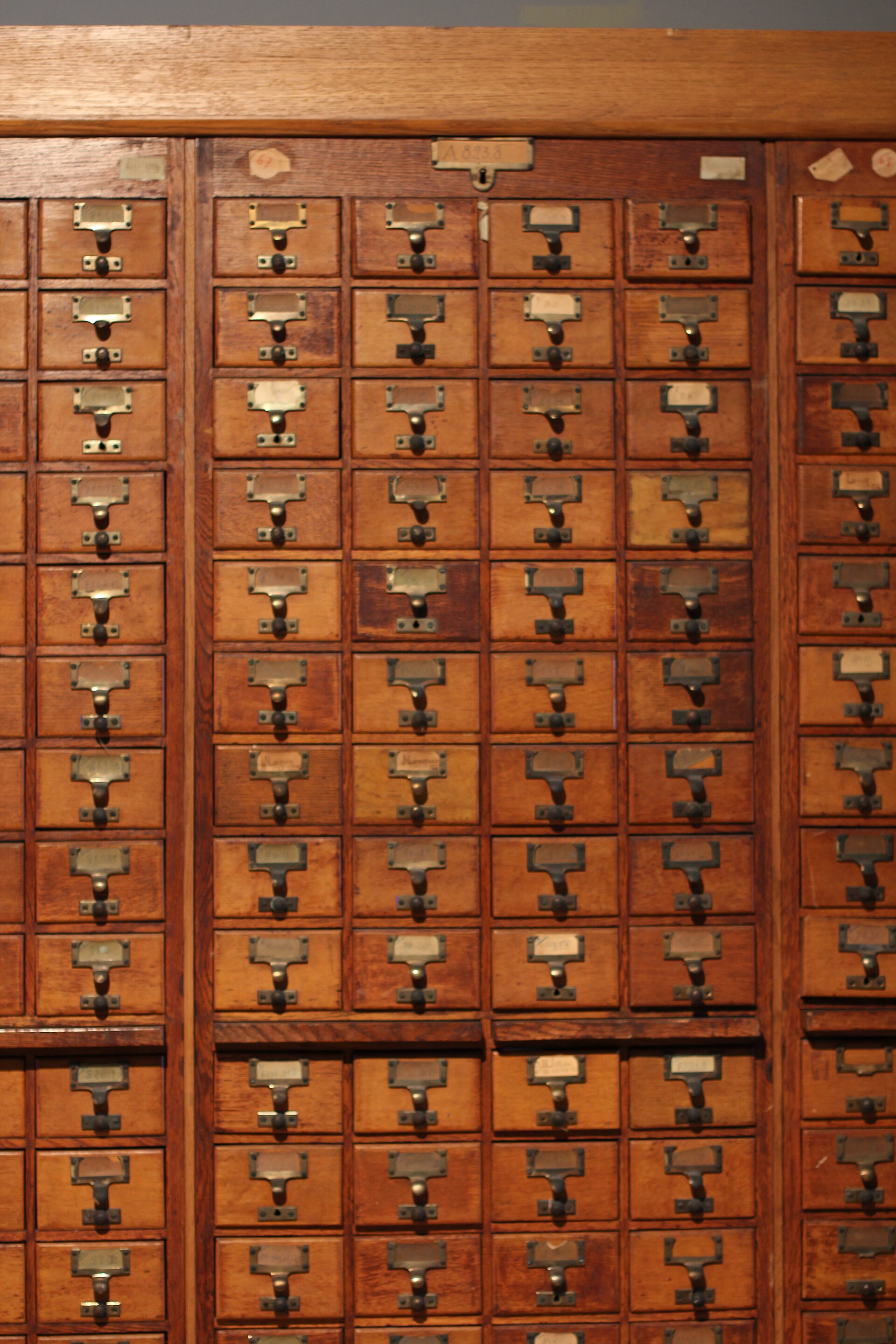
A tall wooden cabinet of small card drawers with brass label holders, in the Mundaneum, Mons
Card cabinet, Mundaneum, Mons.

In 2019 I spent an afternoon in the Mundaneum in Mons, in front of drawers Paul Otlet filled with cards a century ago. What stayed with me wasn’t the size of it. It was that every card had been put somewhere on purpose, next to the cards it belonged with.

My own notes were the opposite: eleven years of them, in four apps, and I could find almost nothing I hadn’t written that week. The notes weren’t lost. They just never came back.

Engram is the drawer I wanted. You write a card, it is filed beside its neighbours, and when you start writing about the same thing again, the old cards are waiting in the margin. It runs on your computer, the cards are plain files, and nothing you write is sent away to be read.

We are a small team, and we charge for sync so that we never need to sell anything else. If something in Engram gets in your way, write to me. I read every email.

Ines Vandaele

Founder, Engram

ines@engram.app

What it costs

Free, forever
One device. Unlimited cards, links, resurfacing, search and import.
Sync, $6 a month or $60 a year
Every device, end-to-end encrypted, a year of history, 20 GB for attachments.
Family, $10 a month or $100 a year
Up to five people, each with a private drawer, and one drawer you share.
Students and teachers
Sync costs nothing with a school email address, for as long as you study or teach.

$0

to start, on one device

Download Engram

Questions

Where are my notes kept? In a folder on your own disk, as plain Markdown: one file per card, readable by any text editor. Sync sends encrypted copies to our servers so your other devices can fetch them. We hold the boxes, not the keys.

How can it resurface notes without sending them anywhere? A small model, about 80 MB, runs on your computer and your phone. It reads your cards where they are and keeps its index beside them. Nothing you write is sent away to be read.

Can I bring my notes from another app? Yes: Apple Notes, Evernote (.enex files), a Notion export, an Obsidian vault or any folder of Markdown. Links between notes come across where the old app kept them.

What happens to my notes if Engram shuts down? They stay where they are, in a folder on your disk, as text. The free app keeps working without our servers, and any editor can open the files.

Does it work offline? Writing, linking, search and resurfacing all work offline. Only sync needs a connection, and it catches up when you’re back.

Is there a web version? Not yet. Engram runs on macOS, Windows, Linux, iPhone, iPad and Android. A web version means reading your notes on a server, so we are taking our time.

Can I share a card? Publish one card as a web page and take it down whenever you like. On the Family plan a shared drawer sits beside each person’s private one.

Is there a discount for students? Sync is free for students and teachers with a school email address. Write to hello@engram.app from that address.

How many cards can it hold? It is built for decades of them. Search and resurfacing run on your device, so a full drawer is as quick to look through as a new one.

Do I need to learn a method first? No. Write cards the way you already write notes. Link them with [[ and ]] when you feel like it; Engram does the filing and the remembering.
Engram

A note-taking app that works as a second brain, for macOS, Windows, Linux, iPhone and Android.

Write to us about anything. A person answers within a working day.

Back to the front

Contact

hello@engram.apphello@engram.app

DownloadPricingQuestionsPrivacy

Engram, 2026

Pictures and film, all via Wikimedia Commons:

  • “Le Répertoire Bibliographique Universel vers 1900”, Paul Otlet, public domain
  • “Zettelkästen et, Thesaurus linguae Latinae”, Michiel Streijger, CC BY 4.0
  • “Card Division of the Library of Congress”, 1900–1920, public domain
  • “Library of Congress Serials Card Catalog”, Library of Congress Life, CC0
  • Card catalogue from “Manual of library classification and shelf arrangement”, 1898, Internet Archive Book Images, no known copyright restrictions
  • “Fichier des autographes Rothschild”, Bibliothèque nationale de France, public domain
  • “Meuble fichier Mundaneum”, Zozormym, CC BY-SA 3.0
  • Film: “Library Organization”, Coronet Instructional Films, 1951, public domain